
Find Your Gift
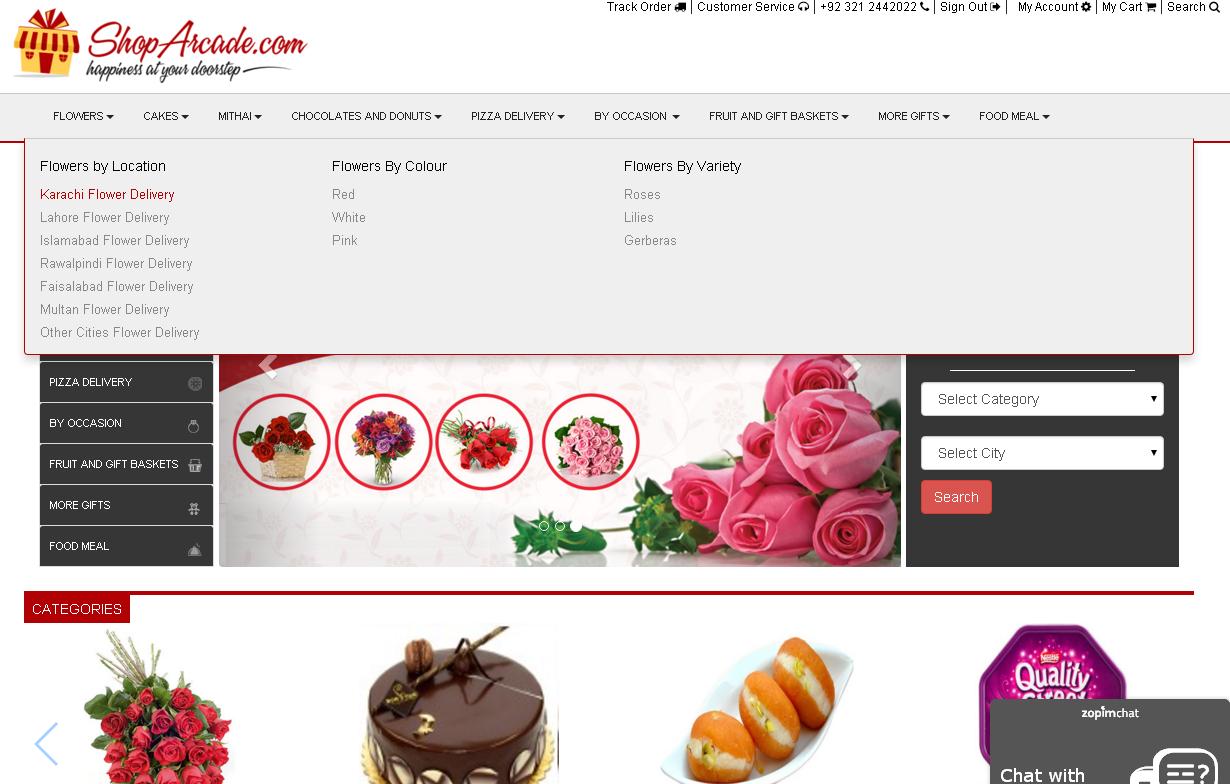
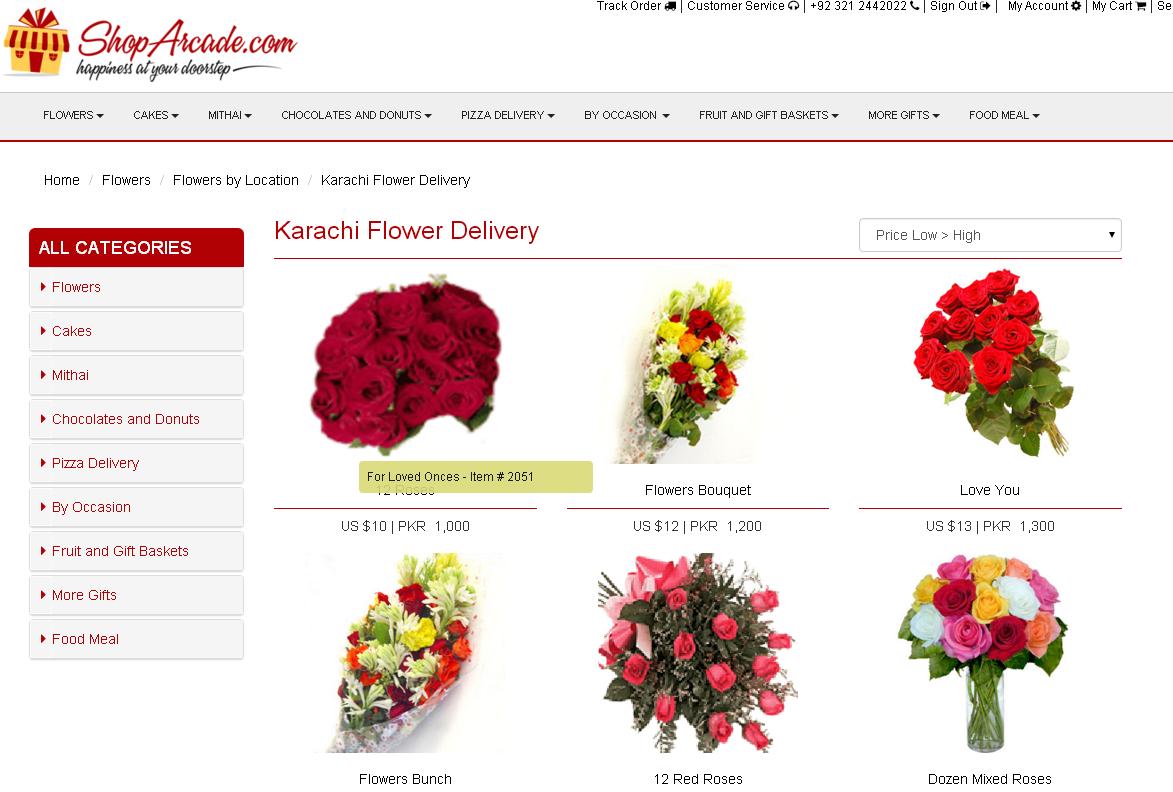
Browse your gift items from Gifts categories, click any of the categories like "Flowers" ,"Cakes" , "Chocolates" etc .
Buy Now - Add it to your Shopping Basket
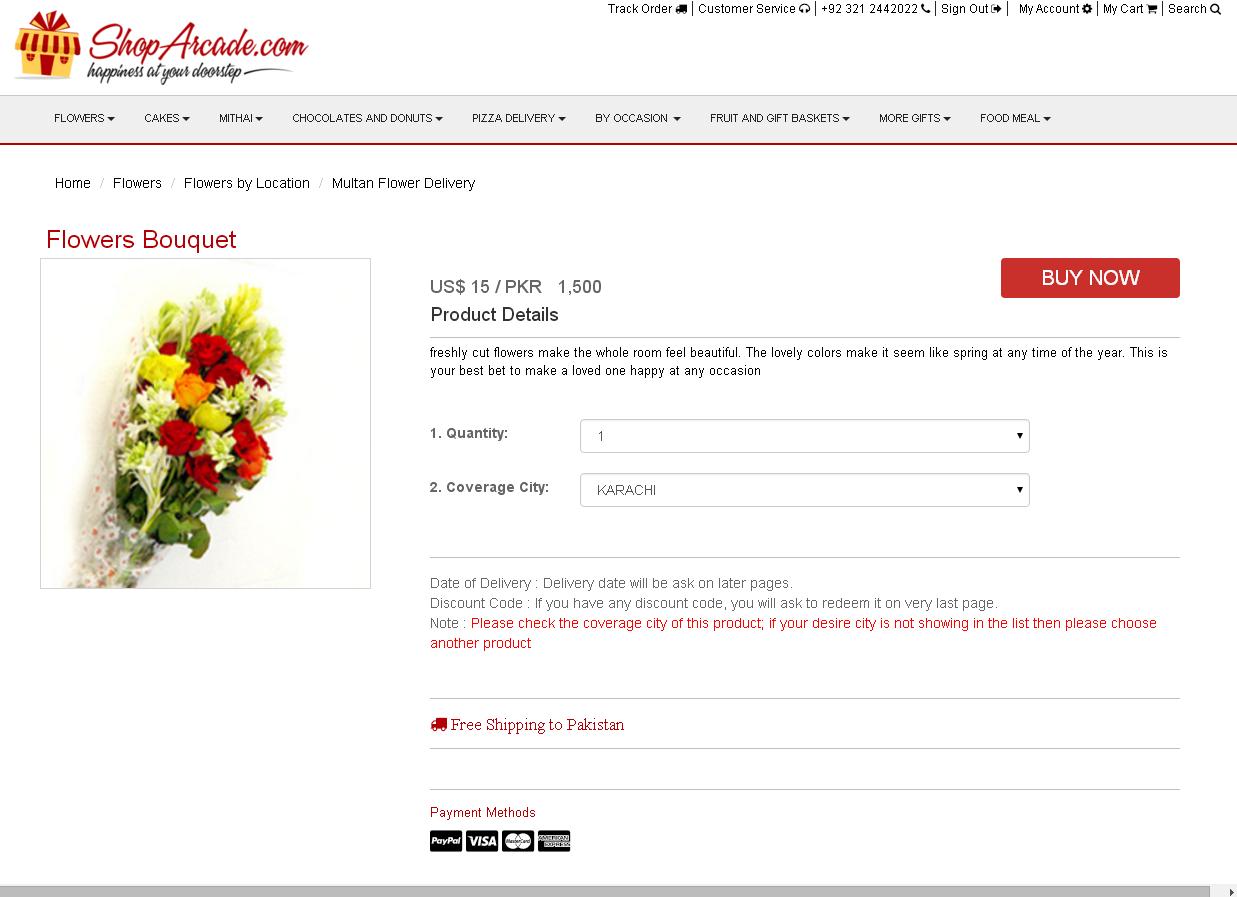
The Shopping Basket is where you store items you intend to buy. You can always delete items from the Shopping Basket. When you find what you want (or what you might want) click the "Add to Cart" button on the item's product information page.
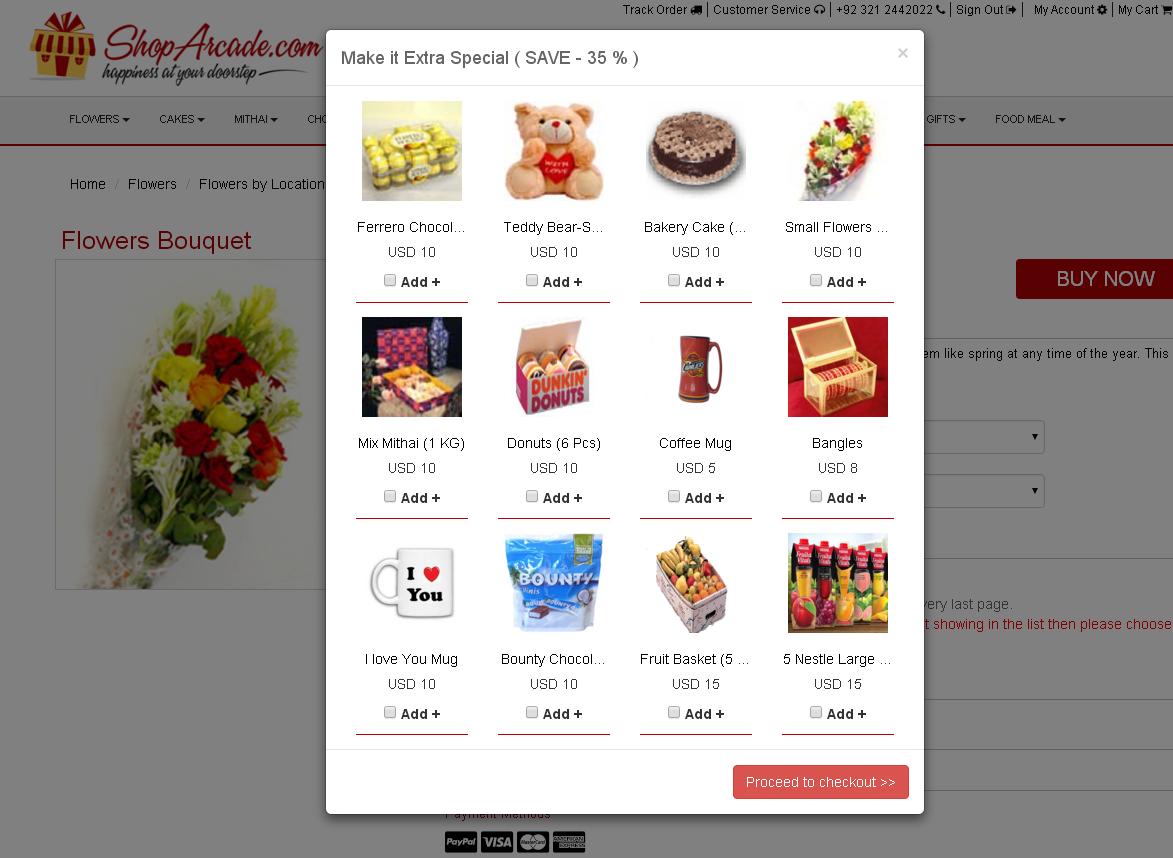
To Shopping Basket
Click in the quantity box and type in the new quantity, then click the "Update Order" button. The quantity and the totals will be updated. Whenever you make a change in your cart, such as changing a quantity or personalization, you must click "Update Cart" before you checkout.

Sign / New User Sign up
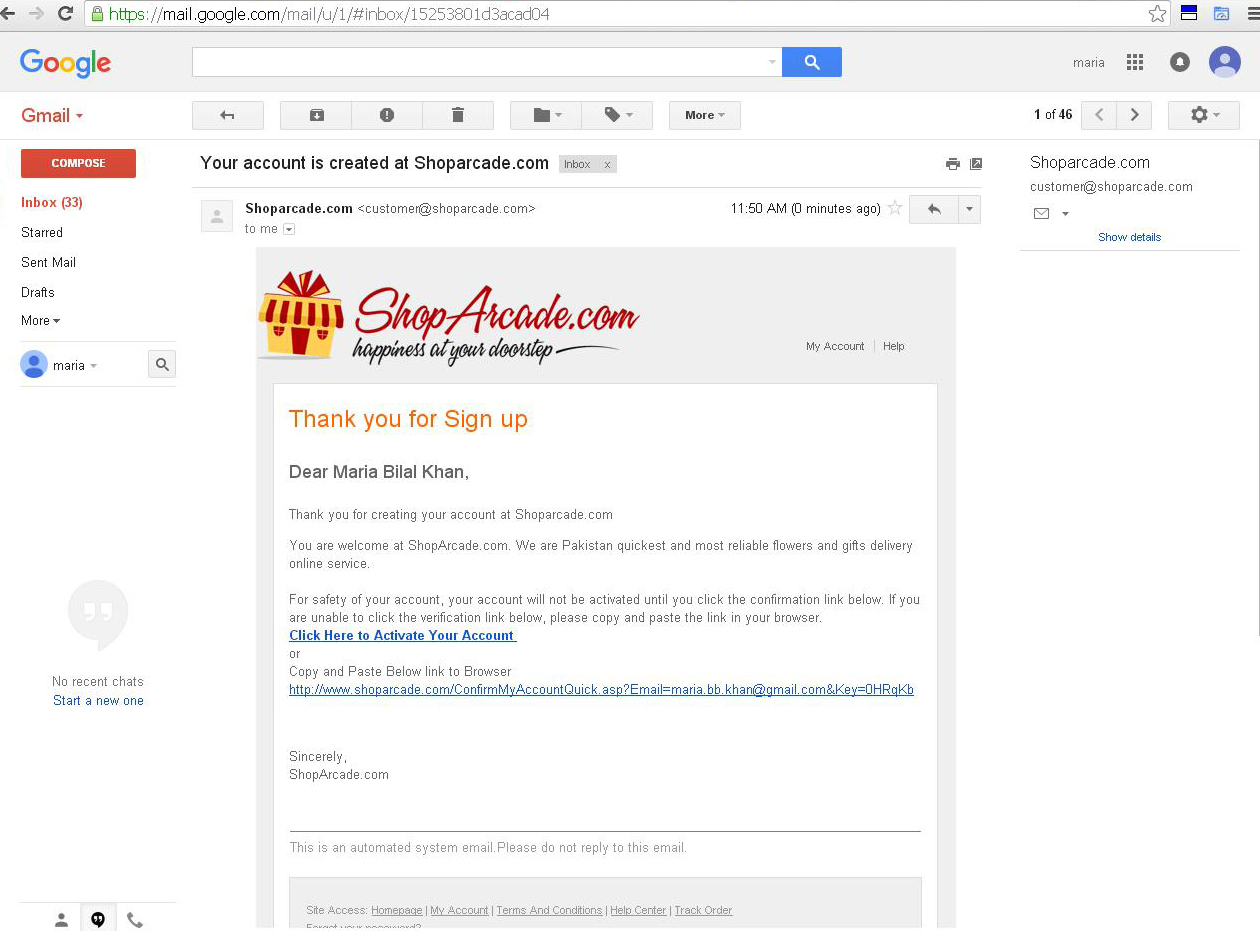
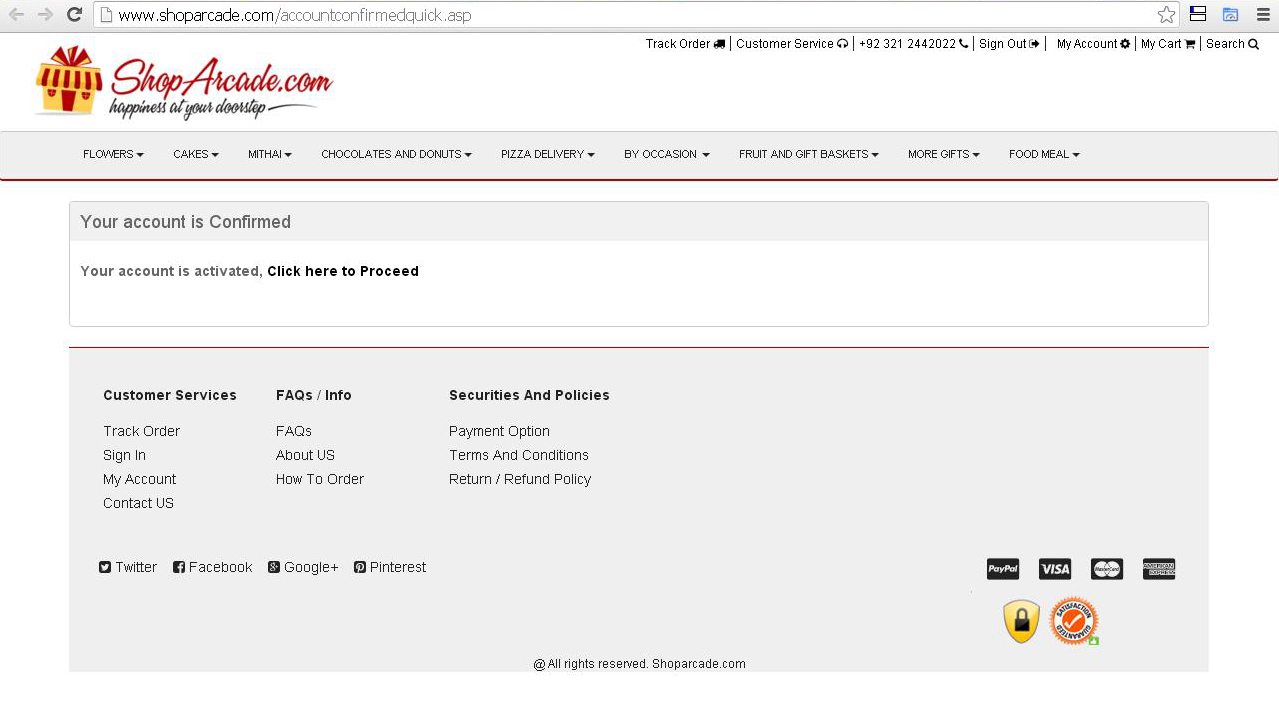
If you are new at shoparcade.com, you have to create account by entering your billing information. Once you created account you have activate your account by login through your email.

 Shipping Address
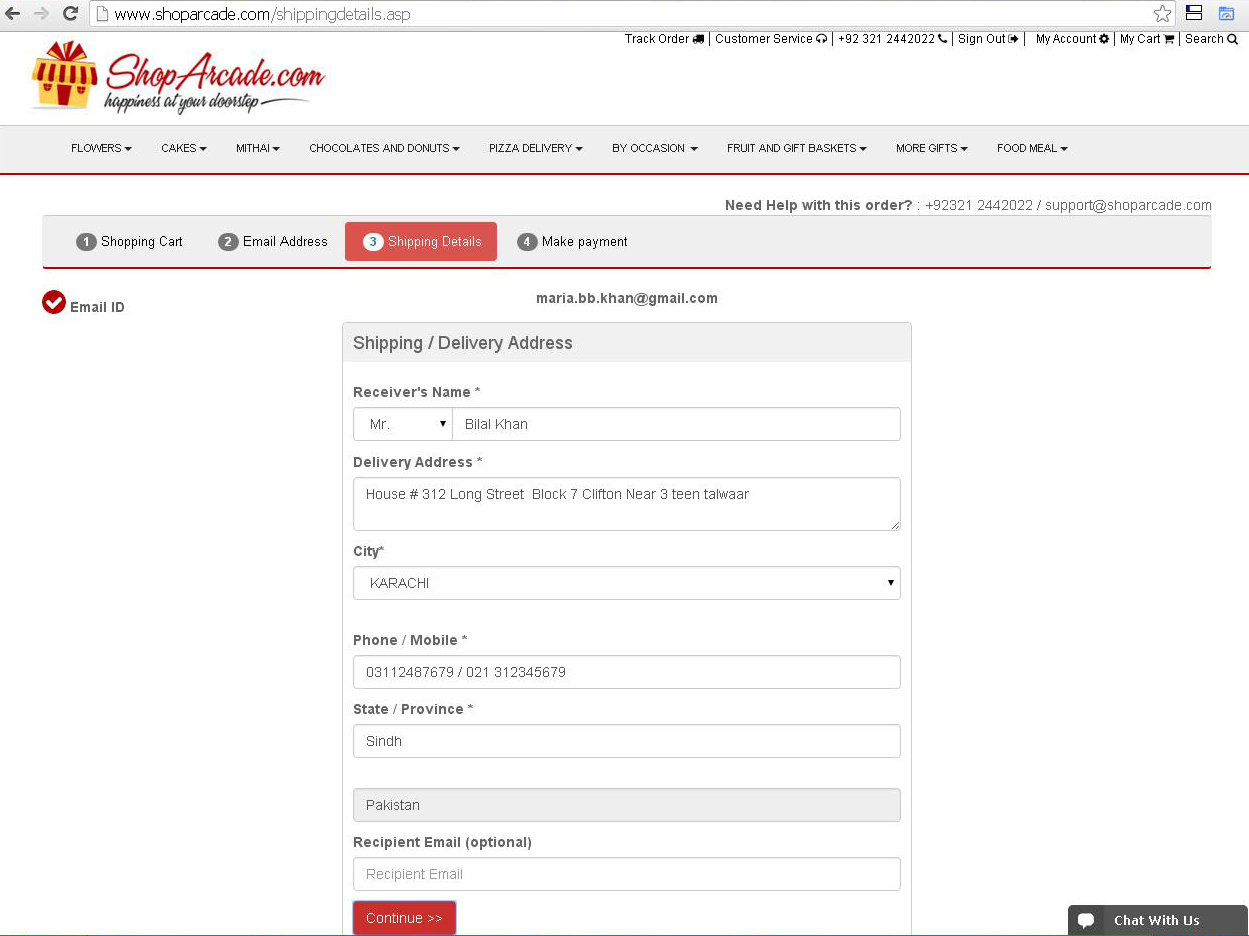
You need to add Shipping Address

Delivery Preference & Check Out
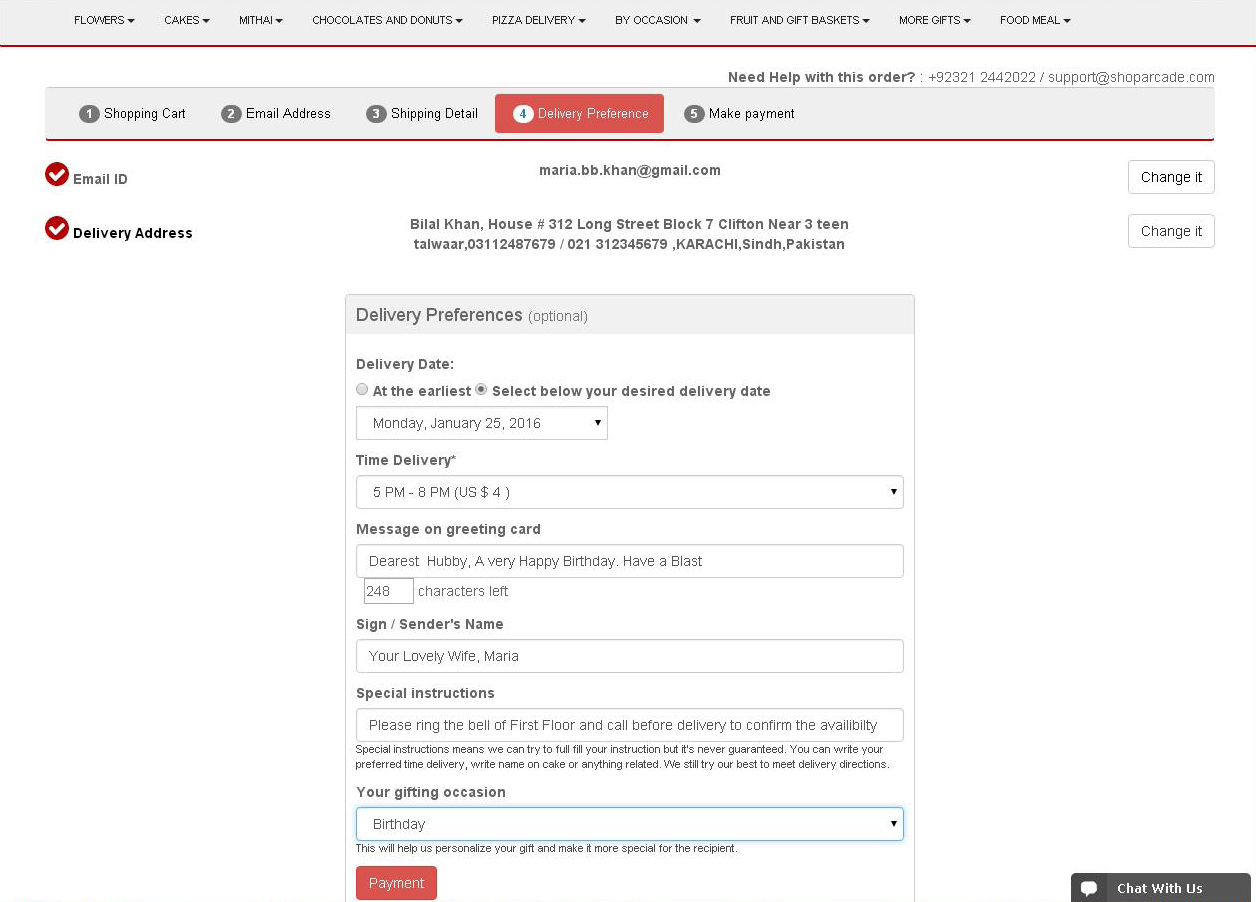
After you've added shipping address you have select delivery option like delivery date, time, message on card, special instruction and sender name.
Discount Code and Proceed To Payment
After you've finished shipper and receiver information, you can get the discount if you have valid discount code, Now you only need to pay for credit card through 2checkout.com (2CO) or you can also pay through Bank transfer.

Confirmation